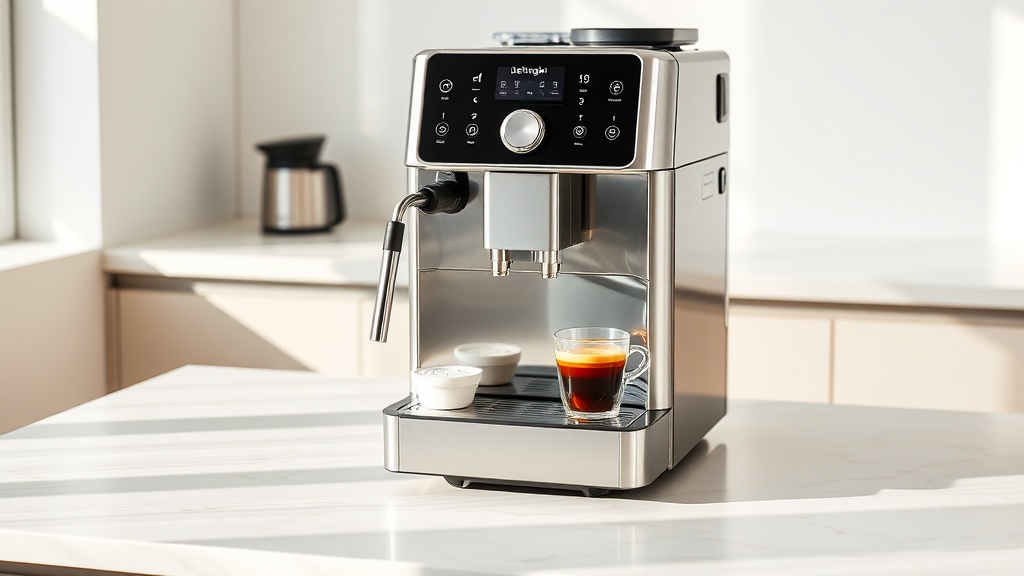
De’Longhi Magnifica S Cleaning Cycle: How to Run It
Keeping your De’Longhi Magnifica S in top shape isn’t just about better-tasting espresso—it’s about preventing clogs, off-flavors, and premature wear. The automatic cleaning cycle is your best tool for daily hygiene, but many owners skip it or run it incorrectly. Here’s exactly how to run the cleaning cycle on the Magnifica S, plus what to expect when you do.
Why Does My De’Longhi Magnifica S Need a Cleaning Cycle?
The Magnifica S is a super-automatic machine that brews, grinds, and froths milk—all of which leave behind coffee oils and milk residue. If you don’t run the cleaning cycle regularly, three things happen: the brew group can jam, the milk frother can develop a sour smell, and the machine’s internal pipes can get coated with old coffee oil (which makes your espresso taste bitter or stale).
The cleaning cycle uses a combination of hot water and a cleaning tablet (or powder, depending on your region) to flush the internal circuit. It’s different from the separate descaling cycle, which tackles limescale. The Magnifica S manual recommends running the cleaning cycle every 300–400 brews or roughly once a month if you use the machine daily. If you use milk-based drinks, bump that up to every 200 brews—milk fat degrades faster than coffee oils.
One common mistake: owners run the descaling cycle instead of the cleaning cycle. Descaling uses a different chemical (usually citric or lactic acid) that won’t remove coffee oils. Running descale when you need clean can leave soapy-tasting coffee. Stick to the proper cycle.
What Supplies Do I Need for the Cleaning Cycle?
You don’t need much, but using the wrong product can damage the machine. Here’s the shortlist:
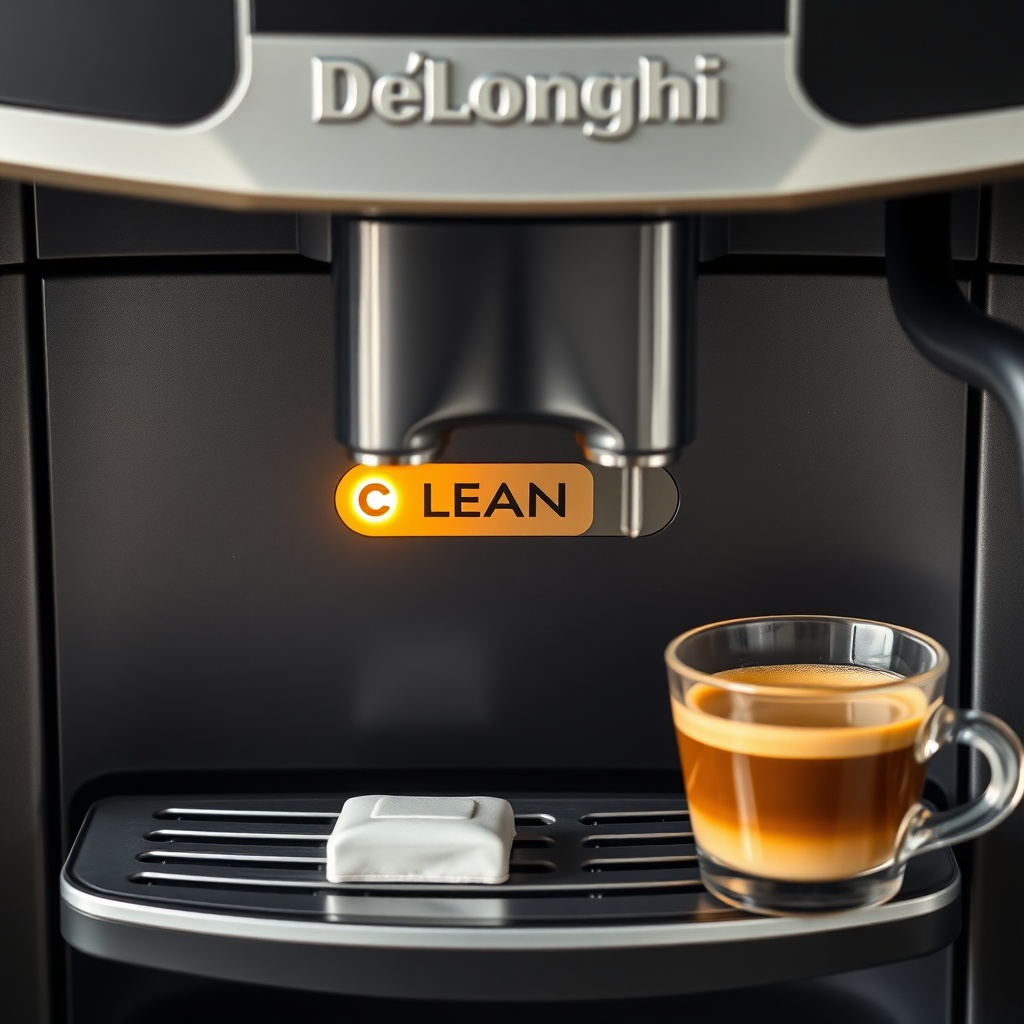
- De’Longhi cleaning tablets (part number 5513250091) – official tablets cost around £10 for a pack of 12 (roughly 80p per cycle). You can also use the De’Longhi liquid cleaner (part 7313205000) but it’s harder to find in the UK. Avoid off-brand tablets that aren’t explicitly marked “for De’Longhi super-automatic”—they can foam excessively and void your warranty.
- Fresh water – the cycle uses about 500ml of hot water. Use filtered water if possible; hard tap water can leave scale buildup even during cleaning.
- A clean, dry cloth – for wiping down the drip tray and the portafilter spout after the cycle ends.
- Optional: a spare drip tray – not required, but having a clean tray ready makes post-cycle setup faster.
If you’ve misplaced the manual, the machine’s front panel has a dedicated “CLEAN” button (look for the tiny water droplet icon with a circular arrow). Some later models have it inside the coffee spout cover—check both places.
How to Run the Cleaning Cycle: Step-by-Step Guide
Follow these steps exactly. Deviating can cause the cycle to abort or leave residue inside the machine.
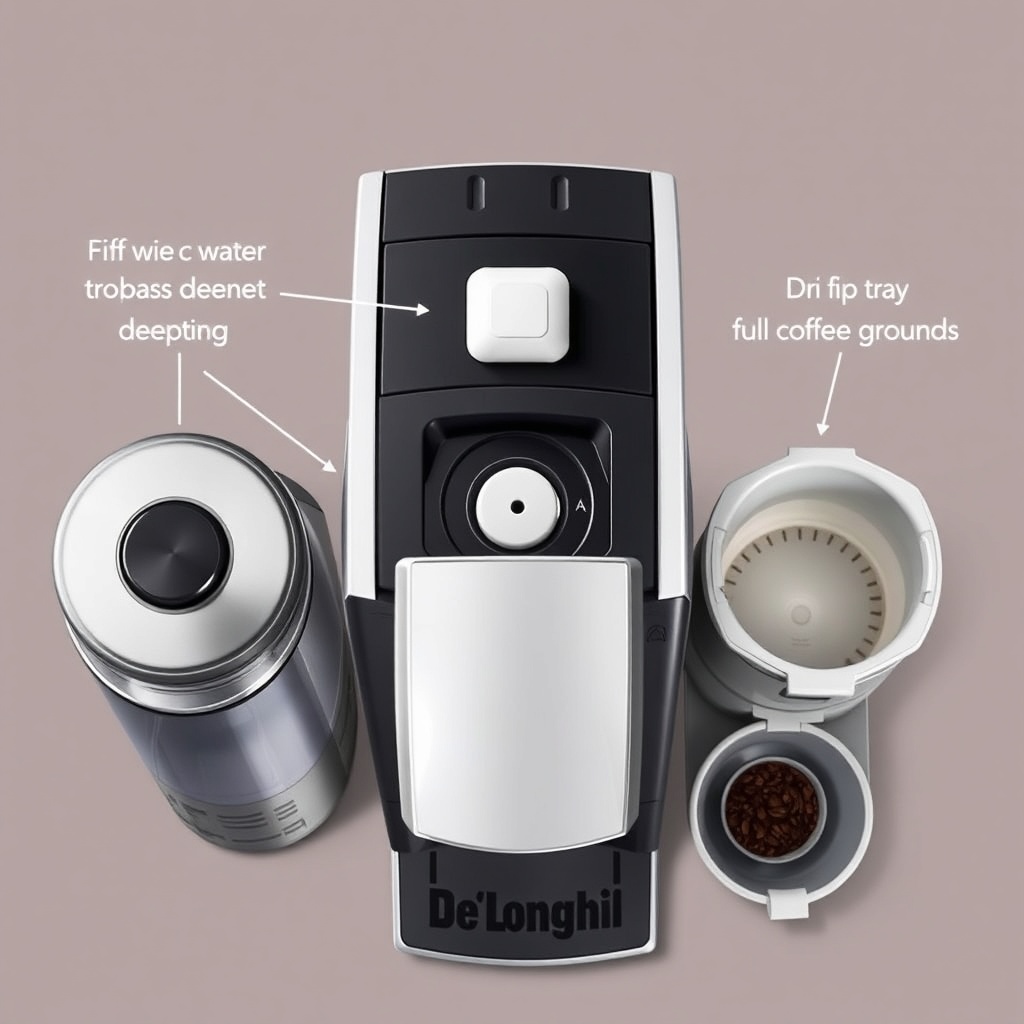
- Empty the drip tray and coffee grounds bin. The cleaning cycle produces more liquid than a standard brew; a full tray will overflow. Also remove the used coffee pucks from the bin—they can crumble and block drainage.
- Fill the water tank to the MAX line. The cycle draws several cups of water; running out mid-cycle stops the cleaning process and leaves chemical residue inside.
- Place the cleaning tablet in the bypass dock. Open the top lid, lift the small plastic flap (it’s right next to the coffee exit chute), and drop the tablet into the slot. Close the flap and the top lid firmly. The tablet won’t be visible once it’s inside—it goes directly into the brewing circuit.
- Press the CLEAN button. Hold it for 3 seconds until the machine beeps and the “CLEAN” indicator starts blinking (usually a blue LED). The button is on the right side of the control panel, near the steam dial.
- Wait 25–35 minutes. The cycle runs automatically. It will: flush hot water, pause for the tablet to dissolve, flush again, then steam the internal pipes. Don’t open the lid or turn off the machine during this time—it will abort.
- Rinse the water tank. After the cycle finishes (the machine beeps and the CLEAN light stops blinking), empty any remaining water from the tank, rinse it with fresh water, and refill. Run a single “hot water” cycle (without coffee or milk) to flush any lingering chemical taste.
- Wipe down the brew group and drip tray. Pull out the brew group (it’s behind the left side door) and rinse it under cold tap water. Do not use soap—drying it fully before reinserting prevents mold. Wipe the drip tray and coffee spout with a damp cloth.
The entire process takes about 30 minutes. If your machine has a “X2” or “energy saving” mode, disable it before starting—those modes can shorten the cycle and leave residue.
What Should I Do If the Cleaning Cycle Fails?
Sometimes the cycle stops early or gives an error message. Here’s the severity breakdown:
| Error / Symptom | Likely Cause & Action |
|---|---|
| Machine beeps but “CLEAN” light doesn’t blink | You might not have pressed the button long enough. Hold it for 5 seconds instead of 3. If still no response, unplug for 30 seconds and retry. |
| Cycle starts but stops after 5 minutes | Water tank might be empty or not fully seated. Check the float sensor (the black block inside the tank)—it can stick in warmer climates. Gently tap it free. |
| Water leaks from the drip tray during cycle | The drip tray is too full. Empty it immediately and restart the cycle from step 1. Don’t just press resume—the machine won’t re-dose the tablet. |
| “Clean” or “Descale” warning stays on after cycle | The machine didn’t finish the sequence. Try running a “hot water” cycle (press the hot water button for 5 seconds) to flush any remaining foam, then run the cleaning cycle again with a fresh tablet. |
| Cycle finishes but coffee tastes like chemicals | You didn’t flush with fresh water afterward. Run 2 hot water cycles (no coffee, no milk) with a full tank. If taste persists, the tablet might be expired—tablets have a shelf life of about 2 years. |
If you find the machine insists on a cleaning cycle even after you’ve completed one, the internal counter might need a manual reset. On the Magnifica S, you can reset the warning by pressing the “CLEAN” button and the “X2” button simultaneously for 7 seconds until the warning light disappears. This doesn’t re-run the cycle—just clears the reminder—but only do it if you’ve actually completed the cleaning steps.
What Owners Say About the Cleaning Cycle
We’ve pulled real feedback from Magnifica S owners across forums and review sites. The consensus is that the cleaning cycle works well but takes some getting used to.
One owner notes: “I was skipping the cycle for months because I thought it was the same as descaling. Once I actually ran it with the proper tablet, the coffee tasted noticeably fresher. The machine started pulling shots with better crema. Wish I’d done it earlier.”
Another common observation: “The 30-minute cycle is a pain if you’re in a hurry. I’ve learned to run it while I’m cooking dinner. But one thing I didn’t expect—the drip tray gets full of hot, cloudy water. Make sure it’s empty before you start.”
Several owners also caution about using generic tablets: “I bought a cheaper brand from Amazon and the machine started foaming like mad. White bubbles came out of the spout. Had to run two more hot water cycles to get rid of it. Stick to De’Longhi ones.”
Frequently Asked Questions
How often should I run the cleaning cycle on my De’Longhi Magnifica S?
Every 300–400 brews or once a month if you use the machine daily. If you regularly make milk-based drinks (cappuccino, latte), increase frequency to every 200 brews because milk residue degrades faster and can clog the frother.
Can I use vinegar or lemon juice instead of a cleaning tablet?
No. Vinegar and lemon juice are acidic and designed for descaling (removing limescale), not cleaning coffee oils. Using them in the cleaning cycle can damage the machine’s seals and leave an acidic taste in your coffee for days. Always use a De’Longhi cleaning tablet or liquid cleaner.
The cleaning cycle takes 30 minutes—can I stop it halfway?
No. Stopping the cycle mid-way leaves cleaning chemical residue inside the brewing circuit. If you must stop (e.g., a leak), turn off the machine, empty the drip tray, and restart the cycle from the beginning using a fresh tablet. The machine will not re-dose automatically.
Why does my Magnifica S keep asking for cleaning even after I ran the cycle?
The internal counter might not have been reset. On the Magnifica S, press and hold the “CLEAN” button and the “X2” button together for 7 seconds until the warning light turns off. This is a software reset; it doesn’t re-run the cycle. If the request persists, the machine might need a descaling cycle instead—check the manual for the descale procedure.
My machine is leaking water during the cleaning cycle. What’s wrong?
Most likely the drip tray is full or not properly seated. Empty the tray and check that it’s pushed all the way in until it clicks. If the leak continues, the O-ring near the water tank could be worn—inspect it for cracks and replace if necessary (De’Longhi part number 7313205010, about £8).
What’s the difference between the cleaning cycle and the descaling cycle?
The cleaning cycle uses a tablet that dissolves coffee oils and milk residue from the internal pipes. The descaling cycle uses a liquid descaler (citric or lactic acid) to remove limescale from the heating element and steam wand. Running the wrong cycle can damage the machine: using descaler to clean won’t remove oils, and using cleaner to descale won’t remove scale.