Breville Barista Express Impress: PID Temperature Control Calibration Guide for Consistent Shots
For the discerning home barista, the Breville Barista Express Impress represents a significant leap toward achieving café-quality espresso at home. Its integrated PID (Proportional-Integral-Derivative) controller is a cornerstone of this performance, meticulously managing water temperature to within a fraction of a degree. However, even the most sophisticated system can drift over time, leading to inconsistent extractions and sour or bitter shots. This guide provides a comprehensive, step-by-step approach to calibrating the PID temperature control on your Barista Express Impress, ensuring every shot is pulled at the precise temperature your chosen coffee demands, and looks at the supporting roles of pressure, grind, and water quality in that pursuit.
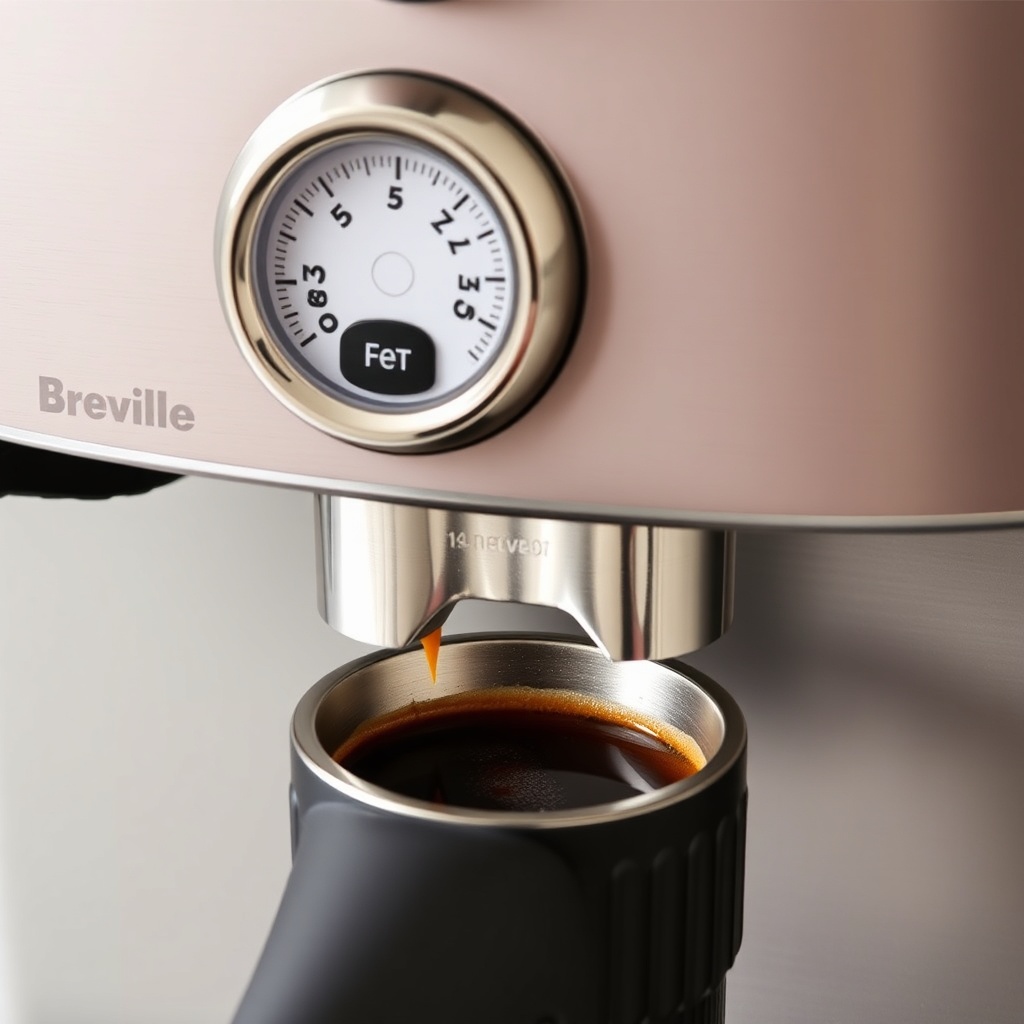
Why Does PID Temperature Calibration Matter for Consistent Espresso?
The PID controller on the Breville Barista Express Impress replaces the simpler thermostat found in many home machines. Instead of allowing water temperature to swing widely—often by several degrees—the PID system uses a feedback loop to maintain an extraordinarily stable brew temperature. This stability is critical because extraction chemistry is highly temperature-sensitive. A variation of just 1–2°C can dramatically alter the balance between acidity, sweetness, and bitterness in the cup. An under-temperature shot extracts too little of the desirable compounds, yielding a sour, underdeveloped flavour. An over-temperature shot over-extracts, pulling bitter, astringent notes that mask the coffee’s origin character. Calibrating your machine’s PID ensures that the displayed temperature on the interface corresponds as closely as possible to the actual temperature of the water hitting the coffee puck. This repeatability—shot after shot, day after day—is the true hallmark of a professional-grade workflow.
What Are the Signs My Breville Barista Express Impress Needs PID Recalibration?
Before diving into the calibration process, you must first confirm that recalibration is necessary. The Barista Express Impress is factory-calibrated, but environmental factors, component wear, and long-term use can cause drift. Look for these tell-tale signs:
- Inconsistent extraction times: Your 18g dose consistently pulls a 36g yield, but the time varies wildly from 22 seconds to 35 seconds with no change in grind setting or puck preparation.
- Recurring sour shots: Even after adjusting your grind to be finer, you cannot eliminate a sharp, lemon-like acidity. This often indicates a brew temperature that is too low.
- Recurring bitter shots: Similarly, if shots are always dark and acrid, even at a coarser grind, the water may be too hot.
- Temperature reading instability: When you start a shot, the PID’s displayed temperature jumps erratically (more than ±2°C) within the first ten seconds of the extraction.
If you notice one or more of these patterns, it is time to recalibrate the PID. Note that this is distinct from the Breville Barista Express Impress: When and How to Replace the Grinder Burrs issue, where inconsistent flow could be a burr wear problem, not a temperature one.
Step-by-Step PID Temperature Calibration Procedure
Calibrating the PID on your Breville Barista Express Impress requires accessing the hidden service menu. Follow these steps precisely. Important: This procedure should only be performed with the machine cold and unplugged. Then plug it in and proceed immediately.
- Enter Service Menu: With the machine off (but plugged in), press and hold the “1 CUP” and “2 CUP” buttons simultaneously. While holding them, press the POWER button. Hold all three for 3 seconds until the display shows “S.W.” (Service Water).
- Navigate to PID Calibration: Turn the GRIND AMOUNT dial until the display reads “PY” (Pressure/Temperature calibration). Press the “1 CUP” button to select it.
- Initiate Calibration: The display will show “CAL” or a flashing number. Press and hold the “1 CUP” button again for 5 seconds. The machine will begin drawing water and heating in a specific cycle that typically lasts 4-6 minutes.
- Monitor the Process: You will see the temperature fluctuate up and down on the display. Do not interrupt. The machine is mapping its actual temperature against the sensor readings. When the display returns to “PY” and stops flashing, the calibration is complete.
- Exit and Test: Press the POWER button to exit the service menu. Run a blank shot to purge the system. Now, pull a test shot with your standard dose, grind, and yield. Check if the extraction time and taste have normalised. For example, if you were aiming for 93°C, and the shot tastes balanced at a 25-second extraction, the calibration is likely successful.
If you find the flow is still inconsistent post-calibration, the issue could be a worn or misaligned burr set. In that case, refer to our Breville Barista Express Impress Grinder Burr Alignment for Consistent Grind guide for diagnosing mechanical inconsistencies.
How Does Pressure Interact with PID Temperature Control?
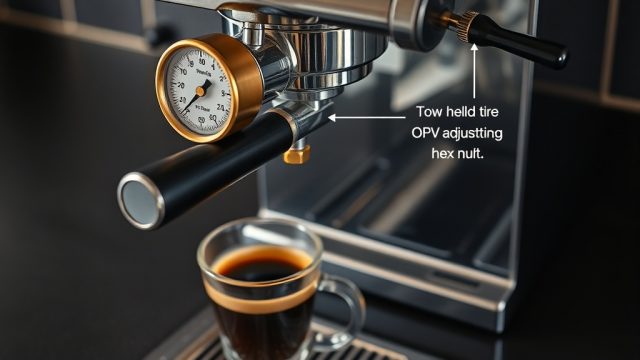
Pressure and temperature are the two pillars of espresso extraction. On the Breville Barista Express Impress, these systems are independent but their effects are profoundly intertwined. The machine’s adjustable OPV (Over-Pressure Valve) is set to roughly 9–10 bars at the group head. However, if the PID temperature is calibrated correctly but your extraction pressure is off, the results will still be unsatisfactory. A high brew pressure can mask a slight temperature deficiency by forcing more water through the puck, but it also leads to channeling. Conversely, a low pressure will not properly extract the oils and solids, even at a perfect temperature.
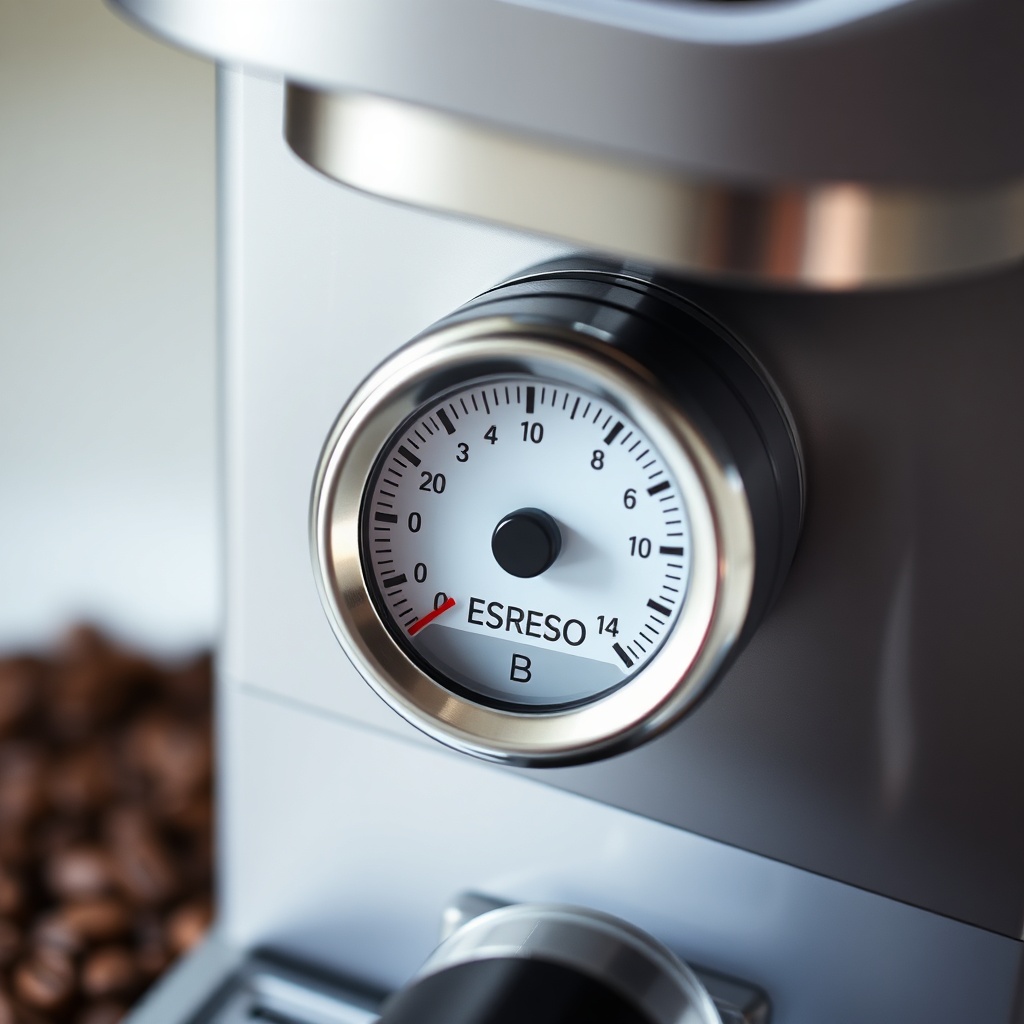
To assess pressure, watch the gauge on the front of the machine during a shot. A healthy extraction should hold steady in the “ESPRESSO” zone (typically between 9 and 10 bars) for the majority of the pull. If you are chasing consistency and have performed a PID calibration, but the shots still taste off, check your pressure next. The two are a team. A recent trend among users is to back-flush with a specific cleaning agent to ensure the group head’s thermoblock isn’t fouled, which can affect both temperature stability and pressure. The water you use is also a factor: hard water can scale the thermoblock and OPV, destabilising both. Using a suitable filter, such as those detailed in our guide on the Breville Barista Express Impress: Best Water Filter for Mineral Balance, is a preventative measure.
Below is a troubleshooting table to help you differentiate between a temperature-related issue and a pressure-related issue, after PID calibration:
| Symptom | Likely Cause (Post-PID Calibration) | Solution |
|---|---|---|
| Sour shot, fast flow (15-20s), low gauge reading (~7 bar) | Pressure too low; grind too coarse. | Increase grind fineness; check OPV adjustment. |
| Bitter shot, slow flow (30-40s+), high gauge reading (11-12 bar) | Pressure too high; grind too fine. | Coarsen grind; check OPV or clean group head. |
| Sour shot, normal flow (25-30s), correct gauge (~9 bar) | Brew temperature too low. | Recalibrate PID or increase set temperature by 1-2°C. |
| Bitter shot, normal flow (25-30s), correct gauge (~9 bar) | Brew temperature too high. | Recalibrate PID or decrease set temperature by 1-2°C. |
| Inconsistent shot times with no grind change | PID calibration drift or OPV seal issue. | Recalibrate PID; if persists, check OPV and thermoblock. |
What Owners Say: Real-World Insights on Temperature and Consistency
Since its launch, the Breville Barista Express Impress has garnered a dedicated following on coffee forums and review platforms. Owners consistently praise the PID system for its ability to produce “repeatable, café-quality shots” even for beginners. However, the feedback is by no means unanimous. A significant number of users on Reddit’s r/espresso and the Home-Barista forum have reported that the factory PID calibration can “drift” after approximately six months of heavy use (500–800 shots). Many owners who performed the service menu calibration detailed above reported a dramatic improvement in shot consistency, with one user noting, “My shots went from ‘hit or miss’ to ‘bam, every time.’”
Another common theme is the learning curve around temperature. Several UK-based owners have mentioned that the default 93°C setting is too low for light-roast single-origin beans, leading to persistent sourness. By raising the temperature to 95°C via the PID, they achieved a much more balanced extraction. Conversely, owners using dark-roast espresso blends often lower the temperature to 90°C to avoid bitterness. The most frequent complaint, however, is not the PID itself but the milk frothing performance. Some owners report that the steam wand’s temperature can fluctuate after a few steam cycles. If this is an issue you face, our Breville Barista Express Impress: Steam Wand Not Frothing Milk? Troubleshooting and Fixes guide offers targeted advice. For those looking to perfect their microfoam after nailing the temperature, the Breville Barista Express Impress: Advanced Milk Frothing Techniques for Latte Art guide is a must-read.
Frequently Asked Questions
1. How often should I recalibrate the PID on my Breville Barista Express Impress?
For most home users, a recalibration every six to twelve months is sufficient. However, if you notice sudden changes in extraction time or taste without any other variable change, perform a recalibration immediately. Heavy users (3+ shots per day) should consider every six months.
2. Can PID calibration fix a problem with the milk frother not working?
No. PID calibration only governs brew water temperature. If your Breville Barista Express Impress: Milk Frother Not Working? Troubleshooting and Fixes guide shows that the steam wand is failing, the issue lies in the steam thermoblock, steam valve, or air intake, not the brew PID.
3. What temperature should I set for light roast coffee?
We recommend starting at 94–96°C. Light roasts are denser and require higher energy to extract fully. If you get sour notes, raise the temperature in 1°C increments. The PID on the Impress allows you to adjust the brew temperature via the main menu (press the power button and scroll to Temp).
4. Does the Barista Express Impress use a thermoblock or a boiler?
It uses a thermoblock for both brewing and steaming. The PID controls the thermoblock’s heating element to achieve and maintain the target temperature. This design is inherently more responsive but can be more prone to scaling, which can affect temperature stability.
5. Will recalibrating the PID void my warranty?
Accessing the service menu does not void the warranty in the United Kingdom, as it is a documented procedure in the manufacturer’s technical manual. However, be cautious not to change other parameters (like the OPV setting) that you are not confident about, as those could cause damage. Always follow the exact steps for calibration only.
6. My extraction time is still inconsistent after PID calibration. What else could be wrong?
Check your grinder burrs. If they are dull, misaligned, or worn, they will produce an inconsistent particle size distribution, leading to uneven flow regardless of temperature. Our guide on Breville Barista Express Impress: When and How to Replace the Grinder Burrs can help you diagnose burr condition. Also, ensure your puck preparation (tamping level, distribution) is flawless.