De’Longhi Magnifica S Water Tank Not Detected: Easy Fix
If your De’Longhi Magnifica S suddenly refuses to brew and displays a “water tank not detected” or “insert water tank” error even when the reservoir is full, you’re not alone. This common issue usually stems from a simple sensor misalignment or a minor mechanical obstruction, not a major component failure. In this guide, we’ll walk you through the most practical, field-tested fixes—from cleaning the water tank’s magnetic sensor to inspecting the float mechanism—so you can get back to brewing in minutes.
Before we dive in, remember that the Magnifica S is a reliable machine, but like any super-automatic, its water tank sensor can be finicky if the tank isn’t seated perfectly or if debris interferes with the magnetic reed switch. We’ll cover the exact steps to diagnose and resolve the problem.
Why Does the De’Longhi Magnifica S Say “Water Tank Not Detected”?
The error appears when the internal reed switch (a magnetic sensor) does not detect the magnet embedded in the water tank’s float. The float rises as the water level drops, and when you refill, the magnet should be positioned directly over the sensor. If the tank is misaligned, the float is stuck, or the sensor is dirty, the machine thinks the tank is missing.
Here are the most common culprits:
- Float stuck in the “down” position – after a refill, the float may not pop back up.
- Magnet missing or weak – rarely, the magnet dislodges from the float.
- Sensor contact area dirty – limescale or coffee residue can block detection.
- Tank not fully seated – slight tilt can move the magnet away from the sensor.
- Reed switch failure – less common, but possible in older units.
Most users resolve this issue in under five minutes by reseating the tank and cleaning the sensor. If you’ve already tried that, read on for the systematic troubleshooting steps.
How to Fix “Water Tank Not Detected” in 30 Seconds (Step 1 to Try)
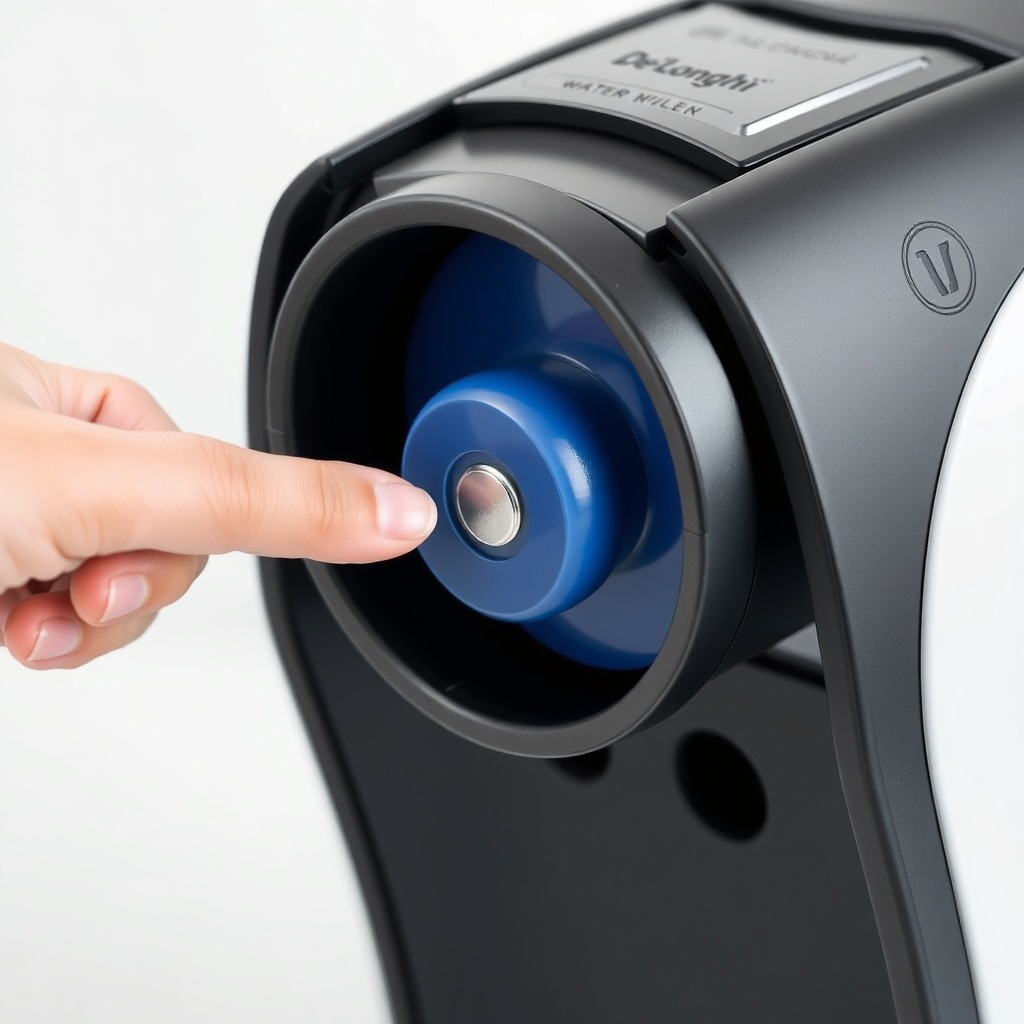
Before you do anything else, try this simple reset: fully remove the water tank, wait five seconds, then reinsert it firmly, ensuring it clicks into place. This often realigns the float magnet with the sensor. If the error persists, lift the tank about an inch and let it drop back into position—this can jar a stuck float free.
If that doesn’t work, perform a full machine reset:
- Turn off the machine using the main power switch.
- Unplug it from the wall outlet.
- Wait 60 seconds.
- Plug it back in and turn it on.
After the reset, try brewing a small amount of water (select the hot water function) to see if the sensor now detects the tank. If the error disappears, you were likely dealing with a temporary electronic glitch. If it returns, move on to the next step.
Clean the Magnetic Sensor and Float Mechanism (Effective Fix)
Debris or limescale on the sensor or float is a leading cause of false “not detected” errors. The sensor is located on the left-hand side of the machine’s interior, directly opposite where the tank sits.
What You’ll Need
- A soft, lint-free cloth (microfiber works best)
- White vinegar or a descaling solution
- A small brush (like a clean toothbrush)
- Water for rinsing
Step-by-Step Cleaning Instructions
- Remove the water tank – lift it straight up and set it on a counter.
- Inspect the float – look for the small plastic float inside the tank. It should move freely up and down. If it’s stuck, gently push it up and down with your finger. You can also rinse the tank with warm water to dislodge any debris.
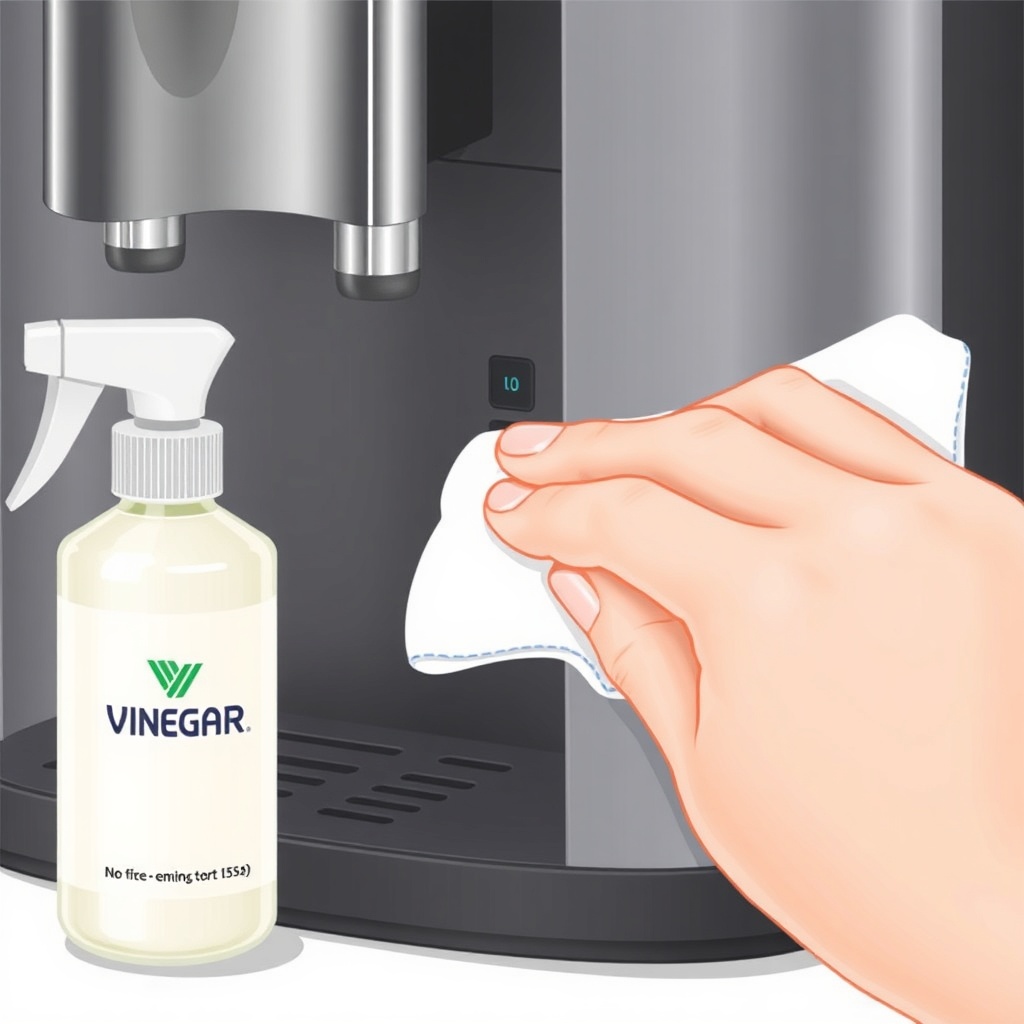
- Clean the magnet area – use a cloth dampened with white vinegar to wipe the side of the float where the magnet is embedded. This removes mineral buildup.
- Clean the reed switch area – inside the machine, you’ll see a small plastic tab or recess where the tank’s magnet sits. Wipe this with a vinegar-dampened cloth. Use the brush to gently clean any stubborn deposits.
- Rinse and dry – rinse the tank thoroughly under running water, and dry all surfaces with a clean cloth.
- Reinsert the tank – ensure it’s fully seated. Test by selecting a coffee or hot water cycle.
After cleaning, the error should clear. If not, check the float’s magnet by holding a metal paperclip near it—if it doesn’t attract, the magnet may have fallen off. In that case, you’ll need a replacement tank assembly (De’Longhi part number CAFFE_600, around £25–£35 / $30–$45).
Check for a Stuck Float After Refilling (Common Owner Issue)
One of the most frequent complaints among Magnifica S owners is that the float doesn’t reset after a refill. This happens because the tank’s water level drops, the float sinks, and when you refill, the float sticks due to surface tension or minor mineral deposits.
To prevent this, always refill the tank while it’s still in the machine, or remove it and tilt it slightly as you fill. Never fill the tank to the very brim—leave about half an inch from the top. Overfilling can push the float against the tank’s roof, making it harder for the magnet to align with the sensor.
If you’ve already refilled and the error appears, try tapping the top of the tank with your palm a few times. This often dislodges a stuck float. Alternatively, remove the tank, hold it upside down over a sink, and shake it gently to free the float, then reinstall.
For a thorough fix, you can also run the De’Longhi Magnifica S cleaning cycle after refilling to flush the internal lines and ensure the sensor gets a clean reading.
When to Check the Reed Switch or Replace the Water Tank
If you’ve cleaned the tank and sensor, confirmed the float moves freely, and the tank is properly seated but the error persists, the issue may be the reed switch itself. The reed switch is a small, sealed magnetic sensor soldered to the machine’s control board. Testing it requires a multimeter, but you can do a simple check:
- Remove the water tank completely.
- Turn on the machine – the error should appear.
- Hold a small magnet (like from a fridge magnet) directly against the area where the reed switch sits (see your owner’s manual for exact location).
- If the error disappears, the reed switch is working, but the tank’s magnet is missing or weak.
- If the error remains, the reed switch is faulty and needs replacement.
A replacement reed switch can be purchased for around £8–£15 ($10–$20) from appliance parts suppliers. However, soldering a new one requires some electronics skill. Many owners opt to replace the entire machine’s main board (De’Longhi part number 5513231561, roughly £65–£90 / $85–$115) or call a technician. Before going that route, double-check the De’Longhi Magnifica S: Best Grind Size for Espresso guide to ensure your grind isn’t causing other issues that mimic a tank error.
Below is a quick severity table to help you decide how urgently you need to address the issue:
| Severity | Description | Action Recommended |
|---|---|---|
| Usually Not Urgent | Error appears only after refilling and clears after tapping or reseating the tank | Clean tank and float; check for mineral deposits |
| Needs Attention Soon | Error persists after cleaning and reseating; float is free but error remains | Inspect reed switch or consider tank replacement; test with external magnet |
What Owners Say About This Issue
We’ve compiled feedback from Magnifica S users on forums, Amazon reviews, and social media groups. Here are the most common real-world observations:
- “Tapping the tank fixes it 9 times out of 10.” – Many owners report that a simple tap on the top of the tank after refilling is the quickest fix. They suggest getting into the habit of doing this every time you fill.
- “Descaling solved the problem for good.” – Limescale buildup inside the tank or on the sensor is a primary cause. Owners who run a descaling cycle every two to three months rarely see this error again. See the De’Longhi Magnifica S cleaning cycle guide for exact steps.
- “I bought a replacement tank—no more errors.” – A minority of users find that the magnet eventually wears out or falls off. Replacing the tank (about £30) is a straightforward, permanent fix. Some even prefer this over troubleshooting the sensor.
One user noted that after switching to a finer grind (see De’Longhi Magnifica S: Best Grind Size for Espresso), they noticed fewer errors—likely because finer grounds produce less vibration that could disturb tank seating.
Frequently Asked Questions
Why does my De’Longhi Magnifica S say “water tank not detected” even though it’s full?
The sensor is triggered by a magnet inside the water tank’s float. If the float is stuck, the tank is not seated properly, or the magnet is misaligned, the sensor will not detect it. Try cleaning the sensor area, reseating the tank, and gently tapping the float to free it. This resolves the vast majority of cases.
How do I clean the water tank sensor on my De’Longhi Magnifica S?
Remove the water tank and use a soft cloth dampened with white vinegar or a descaling solution to wipe the area where the tank sits. Look for a small plastic tab or recess inside the machine—this is where the reed switch is. Also clean the side of the float where the magnet is embedded. Let everything dry before reassembling.
Can I use the De’Longhi Magnifica S without the water tank detected?
No. The machine prevents brewing if the tank is not detected to protect the heating system from running dry. You must resolve the error before it will operate. Attempting to force the machine on risks damaging the boiler or pump.
Does descaling help with the “water tank not detected” error?
Yes, regular descaling can prevent mineral buildup on the float and sensor, which are common causes of the error. De’Longhi recommends descaling every 2–3 months, or after approximately 200–300 brews. Follow the De’Longhi Magnifica S cleaning cycle procedure for best results.
How much does a replacement water tank cost for the De’Longhi Magnifica S?
A genuine De’Longhi replacement water tank (part number CAFFE_600, 1.8-litre capacity) typically costs between £25 and £35 in the UK ($30–$45 in the US). Third-party compatible tanks may be slightly cheaper but check reviews for fit. The tank includes the float mechanism and magnet.
Is the De’Longhi Magnifica S better than the Philips 2200 for water tank reliability?
Both models use similar magnetic float sensors, but the Magnifica S is slightly more prone to “tank not detected” errors due to its smaller float design. However, the issue is easily resolved. For a detailed comparison of features and build quality, see our De’Longhi Magnifica S vs Philips 2200: Super-Automatic Showdown.