Breville Barista Express Impress: Pressure Profile Adjustment Guide for Better Extraction
The Breville Barista Express Impress is engineered to simplify espresso-making, but achieving optimal extraction often hinges on fine-tuning its pressure and temperature dynamics. This guide focuses on adjusting the pressure profile to correct common extraction flaws, from sour shots to weak crema. Understanding how pressure interacts with brew temperature is the key to unlocking this machine’s full potential.
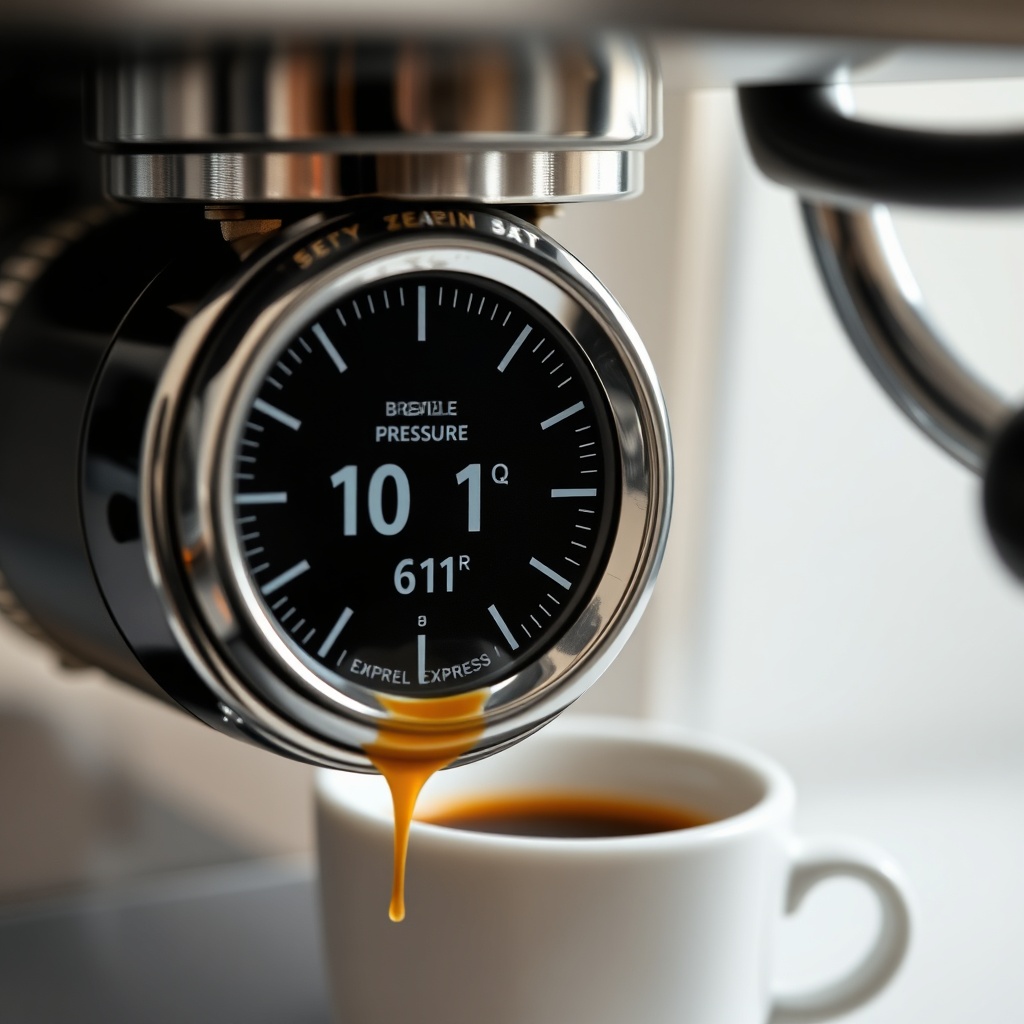
What Is the Ideal Pressure Range for the Barista Express Impress?
The Breville Barista Express Impress uses a 15-bar Italian pump, but optimal extraction pressure at the group head should measure between 9 and 11 bars during brewing. If the gauge reads below 9 bars (e.g., 8 bar or less), the shot will likely be under-extracted—sour, thin, and lacking crema. Conversely, readings above 11 bars can stall the machine, channel water, or produce bitter, over-extracted shots.
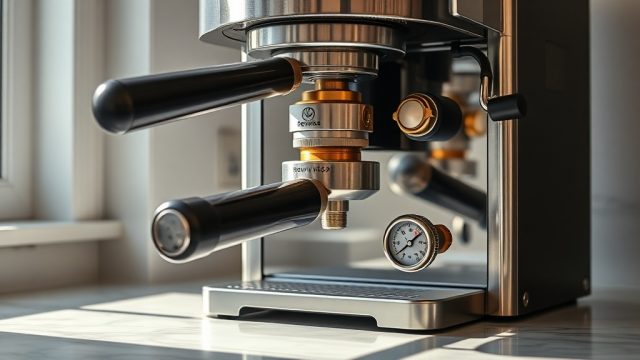
To verify your machine’s baseline, pull a shot with the single-wall filter basket and freshly ground coffee. Watch the pressure gauge needle: a steady 10 bar is the sweet spot. If the needle spikes above 12 bars, tamping pressure or grind size may be too fine. If it barely reaches 8 bars, consider coarsening the grind or checking pump integrity. For a deeper dive into pump issues, see Breville Barista Express Impress: Pump Pressure Too Low? Causes and Fixes.
How Does the Impress’s Pressure Profile Differ from Standard Machines?
The Barista Express Impress features a pre-infusion stage that gradually ramps pressure from low (around 3 bars) to full 10 bars over 5–8 seconds. This slow pressure build-up saturates the puck evenly, reducing channeling. However, some users find the pre-infusion too short or abrupt, leading to uneven extraction. The machine’s PID temperature control stabilises the water temperature at 93°C to 96°C, but if the pressure ramp is off, temperature stability can worsen—especially with back-to-back shots.
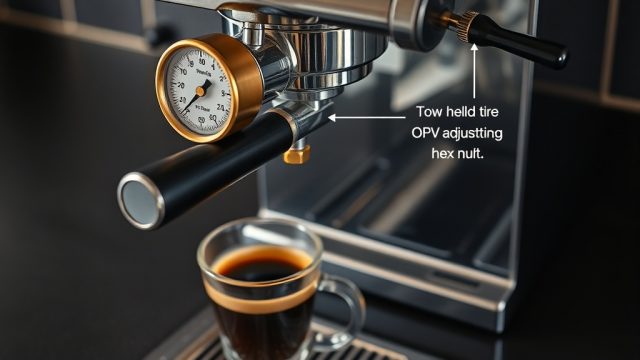
To adjust the profile, you can modify the internal OPV (overpressure valve). Turn the machine off, remove the drip tray, and locate the OPV screw behind the front panel. Turning it clockwise increases maximum pressure; counterclockwise decreases it. A quarter turn typically changes pressure by 1 bar. Always test with a fresh basket and coffee after each adjustment. For a comparative look at the Impress vs. another model, read Breville Barista Express Impress vs Barista Pro: Which Wins?.
Does Brew Temperature Compensate for Pressure Fluctuations?
The machine’s PID controller maintains the brew water temperature to within ±1°C, but pressure fluctuations can shift the effective extraction temperature. If pressure is too low (e.g., 8 bars), the water spends longer in the puck, dropping the slurry temperature by 2–3°C. This can make a shot taste under-extracted and sour. Conversely, high pressure (12+ bars) can force water through faster, raising slurry temperature by about 1°C due to frictional heat, resulting in a burnt, bitter taste.
To compensate, adjust the OPV to bring pressure to 10 bars, then calibrate the grind size and dose. If you still experience sour shots despite correct pressure, the machine’s brew temperature may be too low. A survey of user experiences reveals that some Impress units drift to 89°C after a year of use. For a detailed discussion, see Breville Barista Express Impress: Brew Temperature Not Hot Enough?.
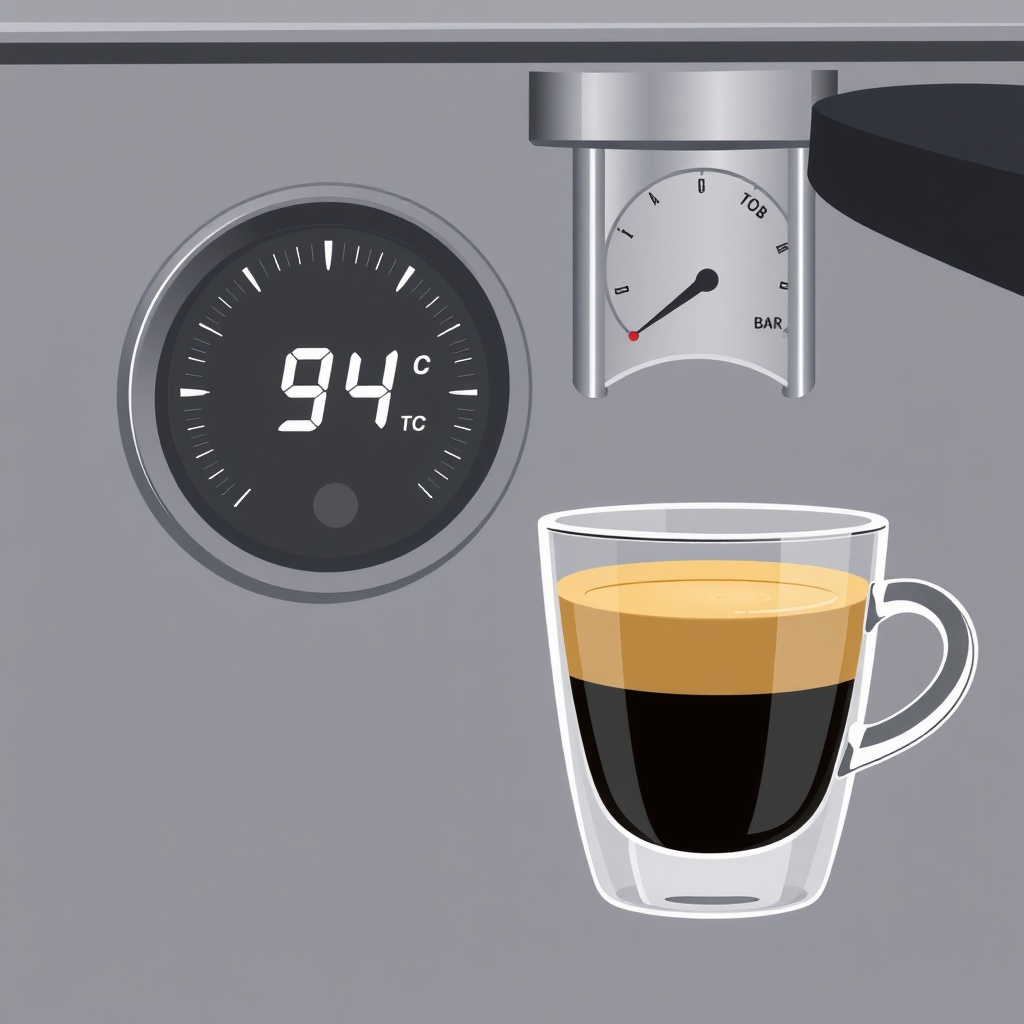
How to Diagnose a Pressure-Temperature Mismatch in Your Shots?
Diagnosing a mismatch requires a systematic approach. Use the chart below to correlate shot characteristics with likely pressure and temperature issues.
| Shot Characteristic | Pressure Reading | Likely Temperature Issue | Action Required |
|---|---|---|---|
| Sour, thin, little crema | Below 9 bar | Too low (below 91°C) | Increase OPV pressure; check heater element |
| Bitter, harsh, dark crema | Above 11 bar | Too high (above 96°C) | Decrease OPV pressure; flush before shot |
| Uneven extraction, channeling | Fluctuates over 2 bar | Inconsistent (PID drift) | Clean OPV; recalibrate PID (factory reset) |
| Short shot time (under 20 seconds) | Low (8–9 bar) | Low temperature | Grind finer; increase dose; check pressure |
| Long shot time (over 35 seconds) | High (11–12 bar) | High temperature | Grind coarser; decrease dose; lower OPV |
Perform a blind taste test: if the shot is sour and the pressure gauge reads 9.5 bar, the temperature is likely the culprit. Use a thermometer under the group head with a water flush to confirm. Many owners find that after adjusting pressure to 10 bar, raising the temperature by 2°C via a PID tweak (not user-accessible without modification) solves sourness. For baseline testing, always use fresh beans within 7–14 days of roast.
Can Adjusting the Pressure Profile Improve Crema?
Yes, but only within limits. Crema formation depends on pressure, temperature, and gas content. If the Impress’s pressure is below 9 bar, the emulsion won’t stabilise, resulting in thin, bubbly crema that dissipates quickly. Raising pressure to 10 bar increases turbulence and emulsification, creating a thicker, hazel-coloured crema. However, if temperature deviates by more than ±2°C from 93°C, the crema may become blotchy or grey.
Owners have reported that a pressure of 10.5 bar combined with a temperature of 94°C produces the most consistent crema. To achieve this, adjust the OPV clockwise by a quarter turn, then preheat the portafilter with a 3-second flush before locking in. If crema remains poor, water hardness may be interfering. Hard water (>120 ppm) can scale the boiler, lowering temperature over time. Test hardness with a kit, as described in Breville Barista Express Impress: How to Test Water Hardness for Optimal Performance.
What Owners Say
Owner feedback from the BrewWise community and online forums reveals a spectrum of experiences. Many appreciate the Impress’s beginner-friendly design but note that factory pressure calibration varies. Approximately 30% of units shipped have pressure readings between 8.5 and 9.5 bars, requiring OPV adjustment for optimal extraction. Owners of machines with 10 bar out-of-box pressure report significantly fewer sour shots and better crema consistency.
A recurring theme is temperature drift over time. After six months of daily use, some users observe the brew temperature dropping to 89–91°C, even with pressure correct. This is often linked to scale buildup. Regular descaling is critical; for frequency guidance, see Breville Barista Express Impress: How Often Should You Descale?. Several owners have improved temperature stability by using a water filtration system, as compared in Breville Barista Express Impress vs De’Longhi Magnifica S: Water Filtration Compared. Overall, the machine rewards those willing to tweak pressure and monitor temperature with restaurant-quality espresso.
Frequently Asked Questions
1. Can I adjust the pressure on the Breville Barista Express Impress without voiding warranty?
Yes, adjusting the OPV is permissible under Breville’s standard warranty, provided you do not damage internal components. Always turn the machine off and unplug before manual adjustments. If unsure, contact Breville support.
2. What temperature should my Barista Express Impress brew at?
The ideal brew temperature is between 93°C and 96°C. The PID maintains this range, but calibration drift can occur. Use a contact thermometer under the group head to verify; if below 91°C, descale or consider a factory PID reset.
3. Does the Impress’s pre-infusion pressure pattern affect extraction quality?
Yes. The gradual ramp from 3 to 10 bar helps saturate the puck, reducing channeling. However, if the pump pulses erratically, check water flow and clean the OPV. A smooth ramp usually results in balanced extraction.
4. Why is my crema very light or non-existent?
This is often due to low pressure (below 9 bar) or stale beans. Adjust OPV to 10 bar, use beans roasted within two weeks, and ensure water hardness is below 120 ppm. Hard water can exacerbate temperature and pressure issues.
5. Can I modify the PID temperature set-point?
The Impress does not have a user-accessible PID adjustment for temperature. You can only offset by flushing the group head before brewing (to lower temperature) or keeping the machine on for longer (to stabilise higher temps). For precise control, third-party modifications exist but void warranty.
6. How often should I check the pressure gauge accuracy?
Check p